Walk Tokyo in your browser
Asakusa: Sensō-ji, Nakamise and the Sumida riverside.
Free. It runs in the browser on a phone or a computer, nothing to install.
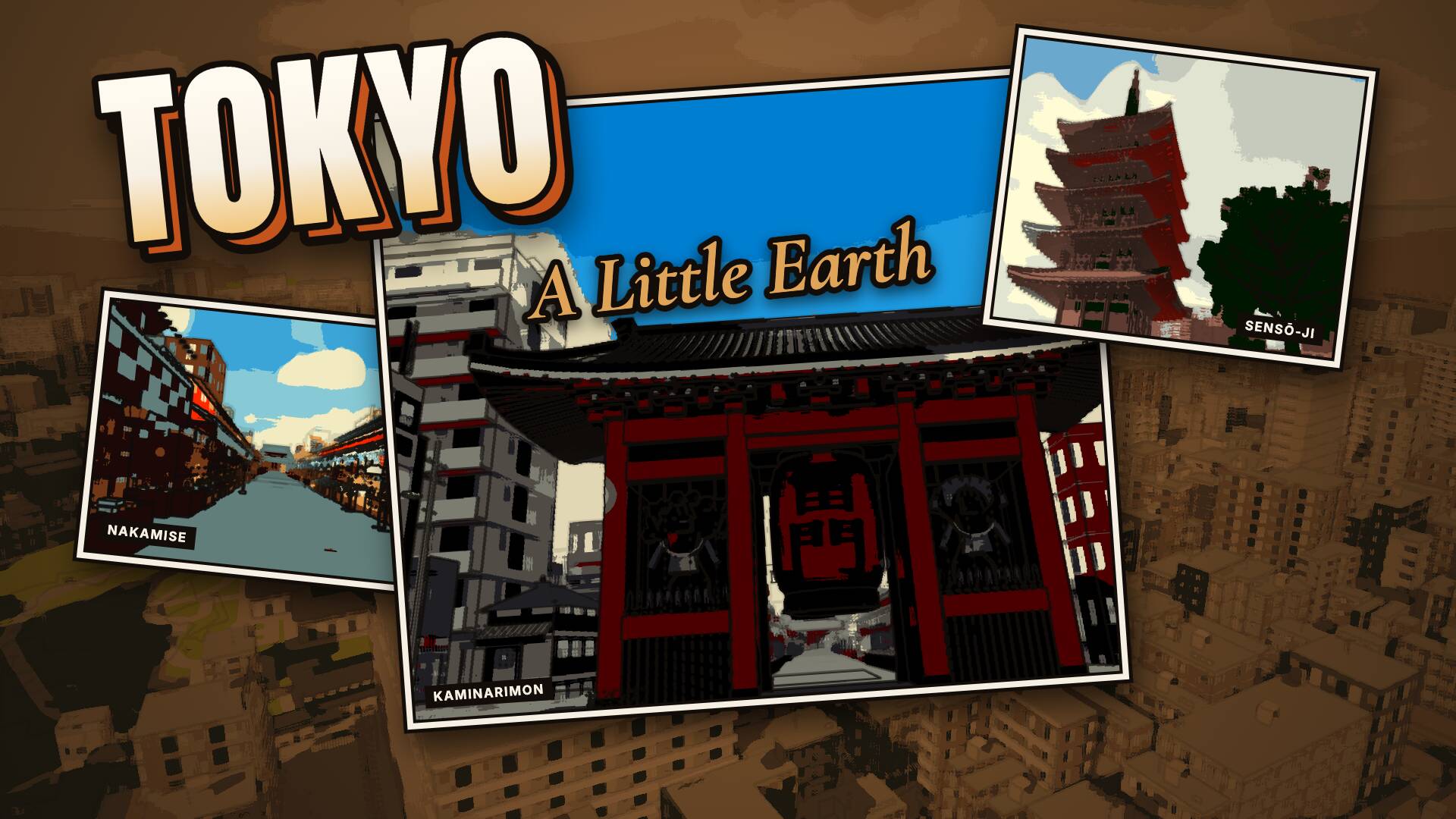
Where you start
A walking preview of Asakusa. Start at the Kaminarimon gate and walk up Nakamise to Sensō-ji. Press M for the map.
What you can walk to
- Asakusa
- Sensō-ji
- The Kaminarimon gate modelled in 3D
- Nakamise
- Hōzōmon modelled in 3D
- The five-storey pagoda modelled in 3D
- Hondō modelled in 3D
- The Sumida riverside
- Tokyo Skytree, on the skyline modelled in 3D
Getting around
On foot, by bike, on a scooter or in a car. WASD walks and Shift runs; B takes the bike, X whistles for a scooter that rides up and waits for you, and C gets you into the parked car beside you. On a phone it all works by touch.
Day, night and weather
The clock runs from day into night. In the settings (O) you can stop it, pick a season or today's date, and set the weather: rain, fog, storm or snow. The seasons follow the monthly climate of Tokyo for 1991–2020.
Other people
If someone else is walking Tokyo at the same moment, you see them, and they see you. You can switch multiplayer off.
How it is made
Painted low-poly, built from open data:
- OpenStreetMap
- GSI Japan DEM5A 5 m (fallback DEM10B 10 m per cell)
- MLIT Project PLATEAU Tokyo 23-ku buildings (2020, via indigo-lab building MVT)
- Tokyo metropolitan street trees (東京都建設局 街路樹)
Modelled one by one in Blender, from photos and plans: The Kaminarimon gate, Hōzōmon, The five-storey pagoda, Hondō, Tokyo Skytree, on the skyline.
The painted look, the light and the sky are made in code. Data credits and licences
More places





On the way: Cervia, Cesenatico, Ravenna